Download the display
Get the free Windows application from the Microsoft Store.
 MISSIONS MAP EXPLORERDownload free
A free interactive Windows missions display that brings your church’s missionaries together with Joshua Project data about countries and people groups.
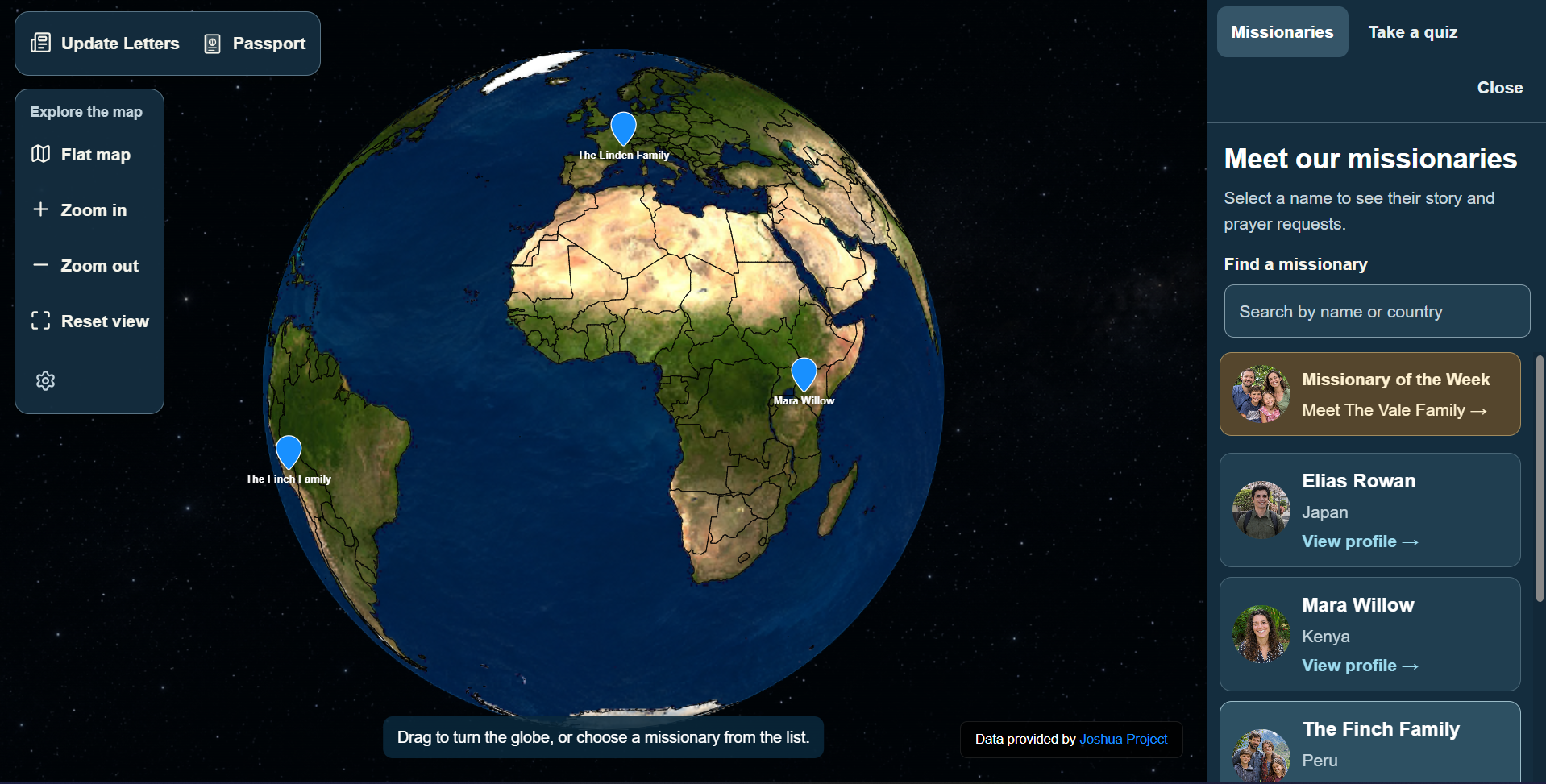
Revelation 7:9-10 describes people from every nation worshiping before God's throne and the Lamb. Yet many people groups remain unreached, with limited access to the gospel. Missions Map Explorer brings your church's missionaries and their updates together with information about unreached peoples, helping your church see the need and pray for missionaries and the people they serve.
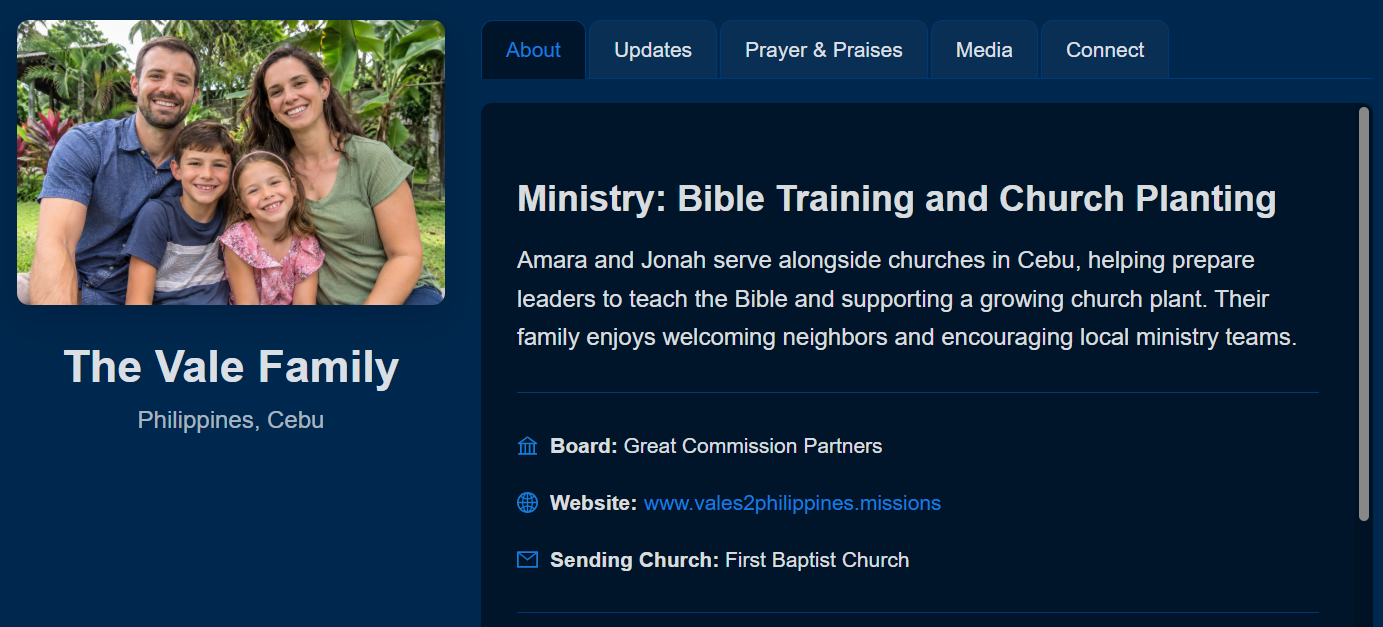
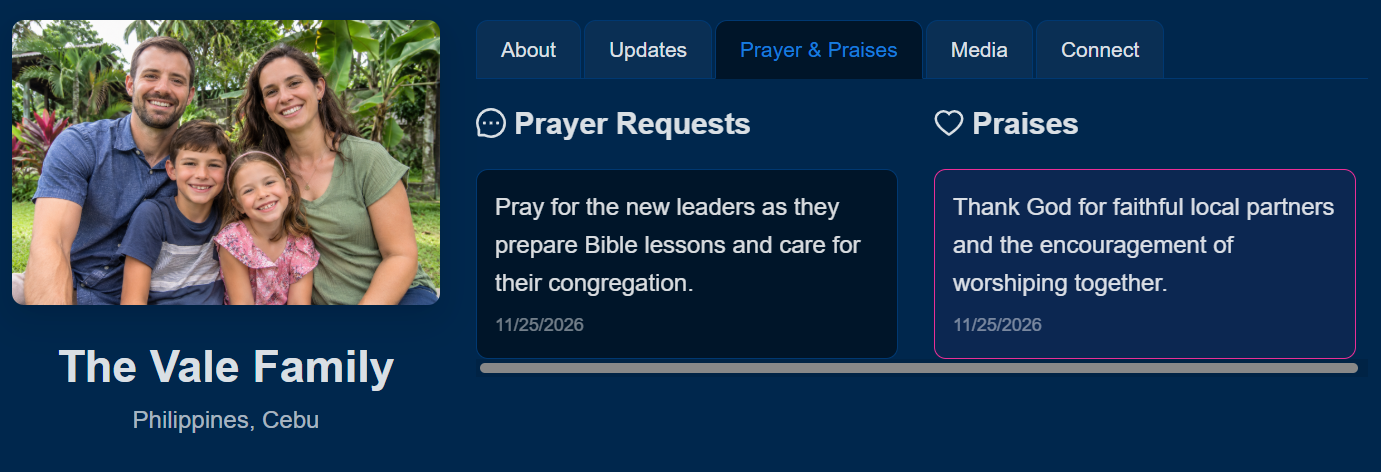
Learn about Joshua ProjectHelp your church know the people it sends and supports. Read their updates, pray for their needs, and give thanks for what God is doing through their ministry.
Explore countries and people groups through Joshua Project information about population, languages, and gospel progress. Use these profiles to learn about communities and their access to the gospel.
About the data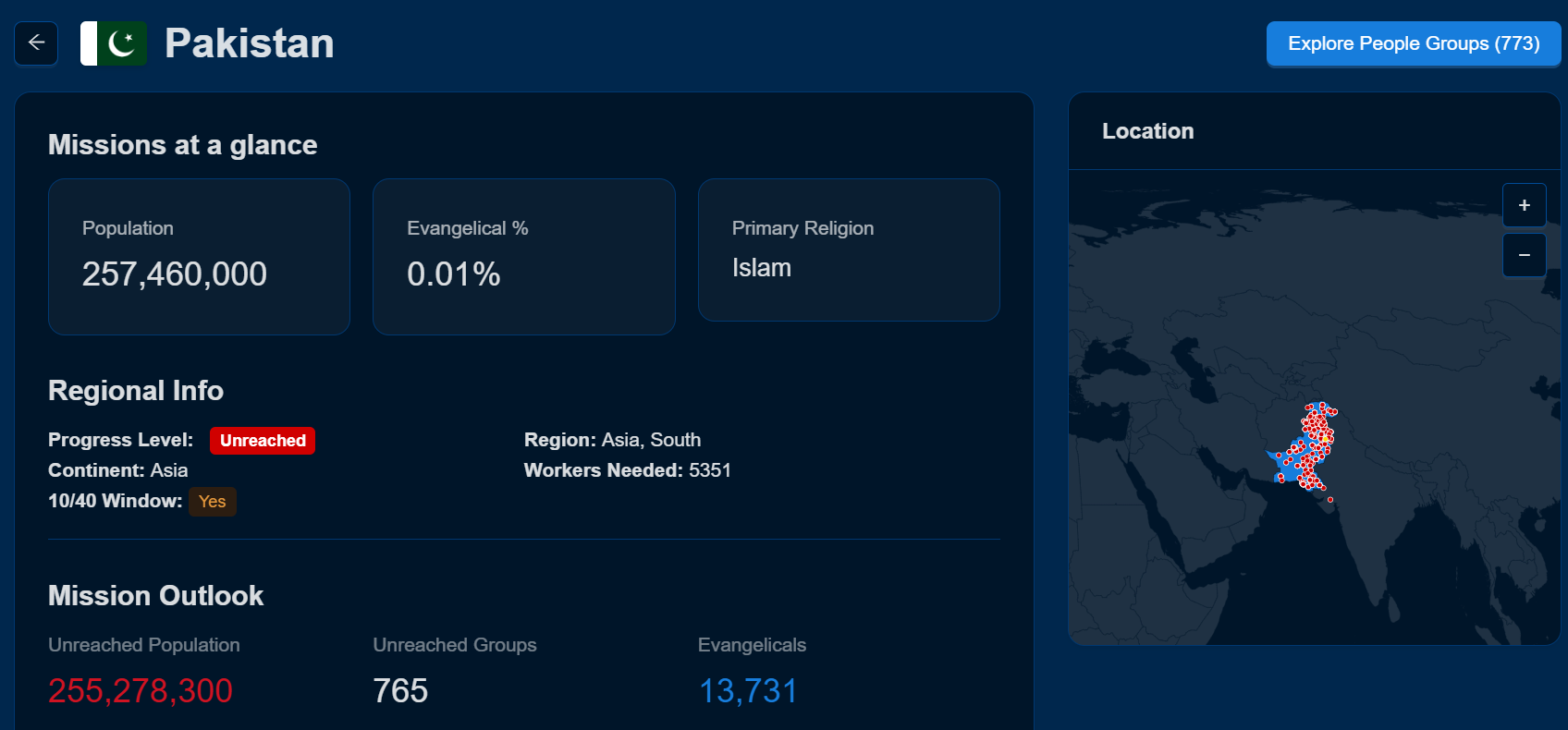
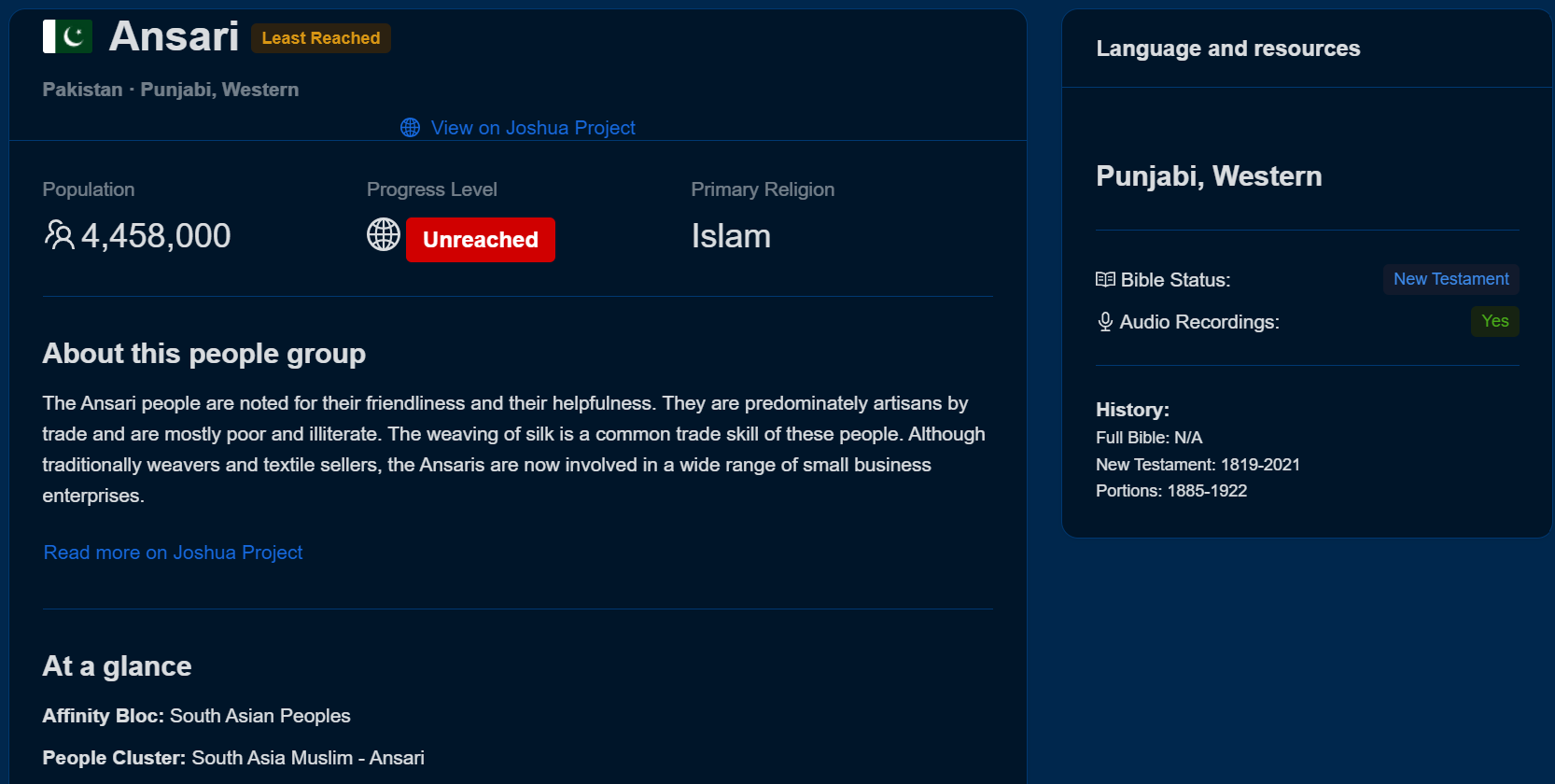
Explore examples of the globe, map styles, data overlays, and people-group markers. Each screenshot shows a combination of settings; it is not a live map.
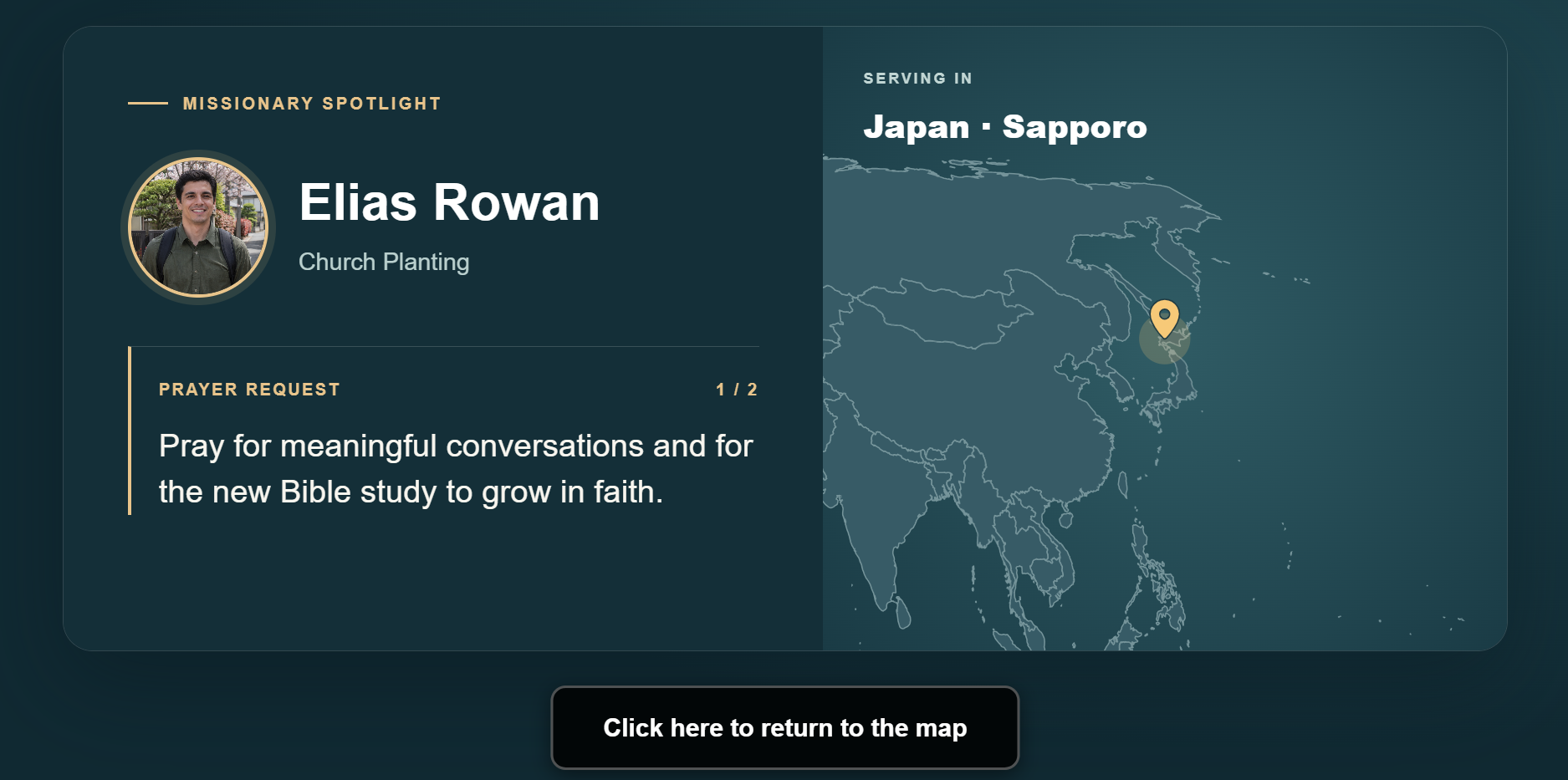
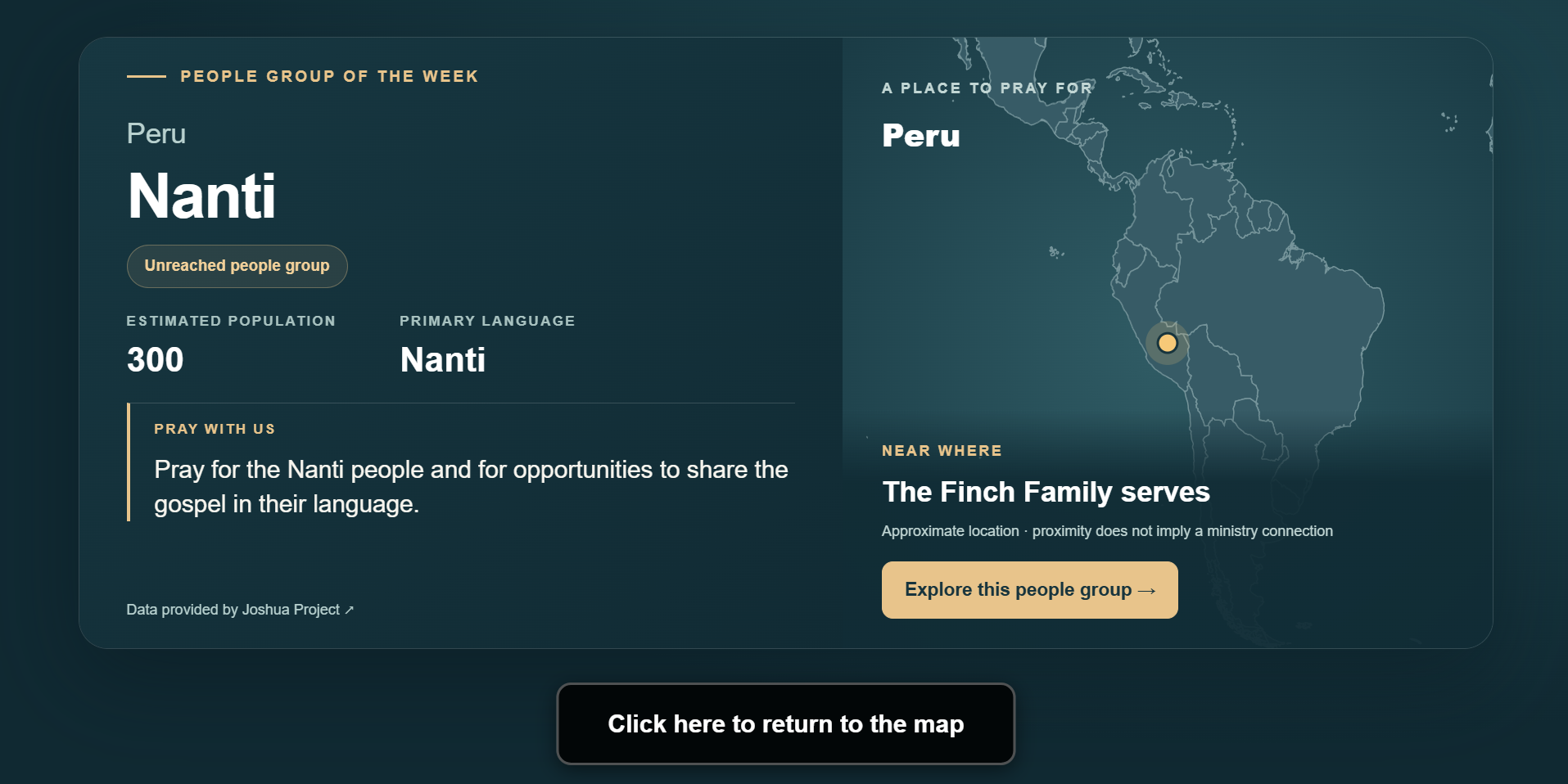
Between interactions, the display can share missionary information, prayer requests and praises, people groups, update letters, photos, and videos.
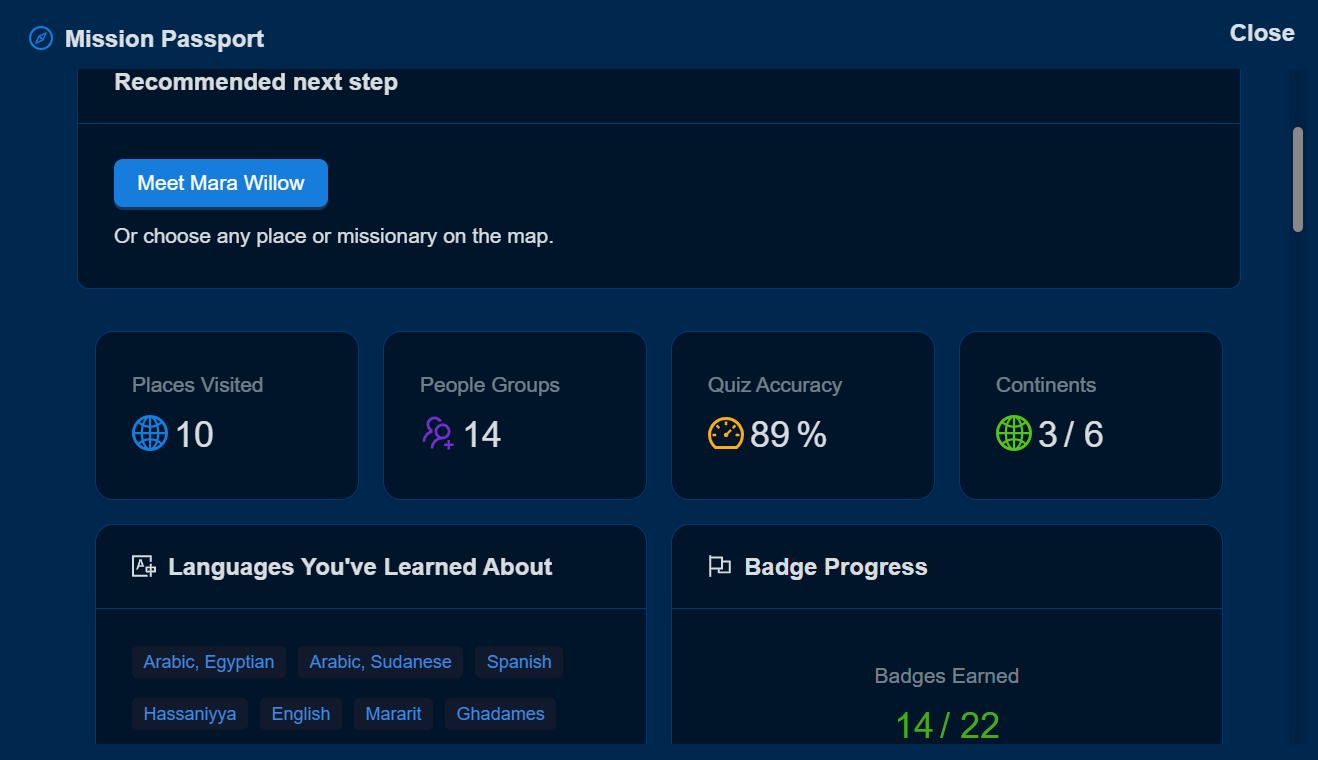
The passport helps children get to know their missionaries, learn about people around the world, and explore through activities, stamps, and progress.
Download the app, add your church’s information, and invite your congregation to explore.
Get the free Windows application from the Microsoft Store.
Add your missionary information and customize the map.
Open the display for your congregation to explore.
Learn more about the display and get started with the setup guide.
Missions Display is a Windows desktop application. It is available through the Microsoft Store. Check the Store listing for system requirements.
The application includes local country, language, and people-group data. Optional additional Joshua Project details and photos require internet access and an API key; online links and media also require a connection.
Missionary records, settings, passports, and uploaded files are stored on the Windows computer. Some selected media can remain in other locations, so include it in your backup.
The display is free to download. For help, email missionsmapexplorer@gmail.com. Check the Microsoft Store for available updates.
Set up your display, keep missionary information current, and help your congregation explore.
Missions Map Explorer is available for Windows in the Microsoft Store.
Get it from Microsoft Store